Laura is your sister7 months ago
Why did my phone turn off iMessages when I had issues with WiFi
Understand what you're agreeing to, secure your devices, protect your home network, and choose the right tools to keep your entire household safe.
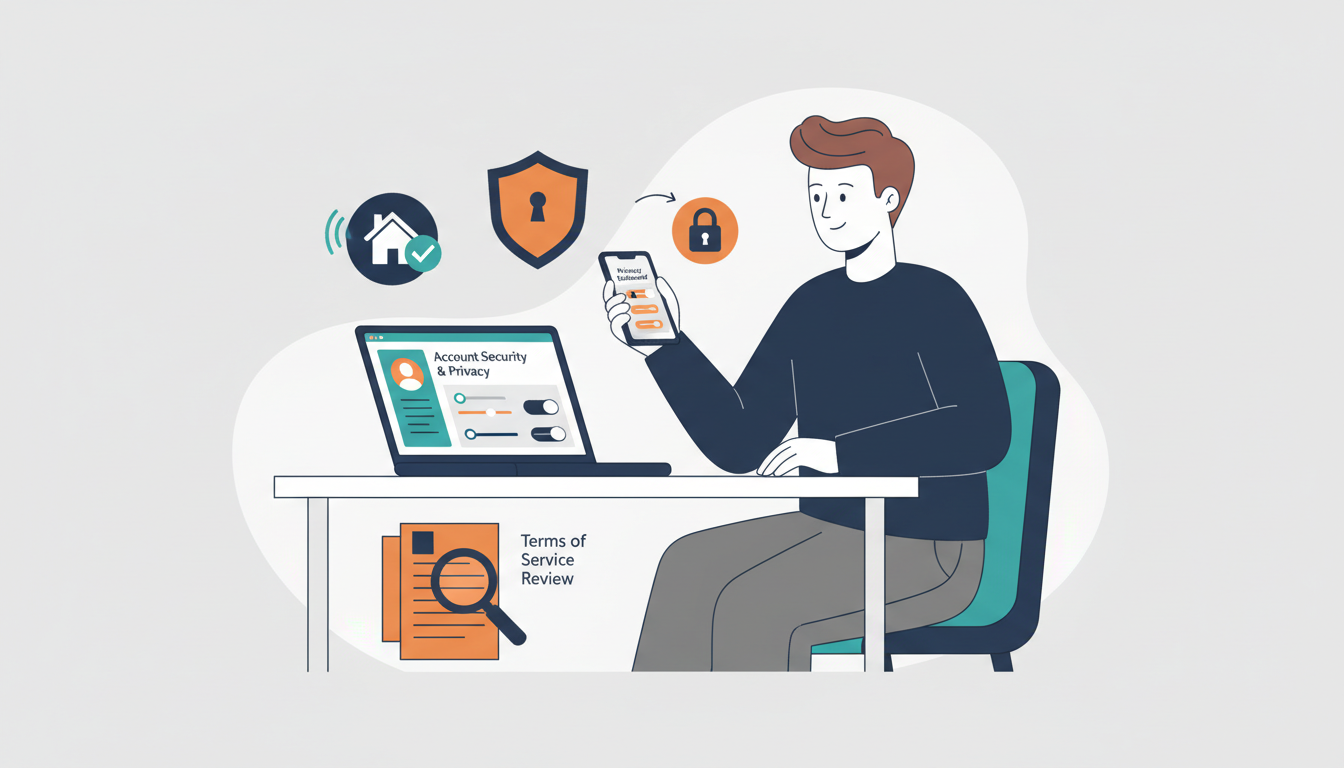
Terms and privacy policies change. These summaries identify practical review points; the linked platform documents remain authoritative. Last reviewed September 2026.
Public discovery, recommendation algorithms, location signals, direct messages, and content reuse deserve a deliberate review.
Disappearing messages do not prevent screenshots, forwarding, recovery, or abuse. Snap Map and contact settings matter most.
Visibility, recommendations, messaging, tagging, location, and time spent can matter more than any single privacy toggle.
Watch history and autoplay shape recommendations. YouTube Kids and supervised experiences provide different controls, not a guarantee of suitability.
A profile is intentionally public and professionally searchable. School, location, photo, connections, and activity can create a durable digital footprint.
This section intentionally avoids assigning a universal “risk score.” The safer choice depends on age, settings, behavior, support, and the specific purpose of the account.
Common beliefs about adult digital life — and what's actually happening behind the scenes.
I have nothing to hide, so privacy doesn't matter
It's not about hiding things — it's about who profits from your behavior. Your browsing, viewing, and location data is sold to advertisers, data brokers, and political campaigns without your knowledge.
My smart TV is just a screen
Modern smart TVs track what you watch — including cable and antenna — every few seconds, and sell that data to advertisers. It's called ACR and it's on by default.
Incognito mode makes me private
Incognito mode only stops your browser from saving history locally. Your ISP, websites, and trackers still see everything you do.
Step-by-step instructions for both iPhone and Android. Configure once, practice your lost/stolen plan, and rest easier.
Your WiFi network is the gateway to every device in your home. Lock it down properly.
Your router is the front door to your digital home. Most people never change the factory settings.
Know what's connected and what's happening on your network.
Extra layers of security for the tech-savvy or security-conscious family.
What is ACR — and why does it matter?
Automatic Content Recognition (ACR) is built into virtually every modern smart TV. It works by taking a "fingerprint" of whatever is currently on screen — every few seconds — and sending it to the TV manufacturer's servers. This includes content from Netflix, YouTube, cable boxes, game consoles, and over-the-air broadcast TV. The manufacturer matches that fingerprint against a database of known content and builds a detailed profile of exactly what you watch, when, and for how long.
This data is then sold to advertisers, data brokers, and political campaigns. A 2023 study by Princeton and the University of Chicago found ACR data appearing in programmatic ad targeting systems within minutes of viewing. Your TV watching profile — including what news channels you watch and your political media diet — is a valuable commercial commodity sold without any additional disclosure after the initial terms acceptance.
Select your TV platform below for step-by-step instructions to disable ACR, ad tracking, and data collection:
What is "east-west" network risk?
Most home security thinking focuses on north-south traffic — threats coming in from the internet (hackers, malware). But east-west traffic is the risk of a compromised device on your network attacking other devices on the same network. A smart TV with a security vulnerability, or an IoT thermostat running outdated firmware, could be used as a "pivot point" to reach your laptop or phone — even if your router is perfectly secured.
Smart home devices are particularly vulnerable because manufacturers often ship them with minimal security, update them infrequently, and have little incentive to maintain long-term firmware support. A 2023 Bitdefender study found that the average home has 21 connected devices — and most are on the same flat network as laptops and phones containing banking credentials, personal documents, and work data.
The fix: Network segmentation. Put untrusted devices (smart TVs, IoT gadgets) on a separate network that can reach the internet but cannot communicate with your main network. This is called "client isolation" and it stops east-west lateral movement cold.
Recommended Network Structure
Your Main Network
Trusted devices only. Full local network access — can see and communicate with each other.
IoT / Smart Device Network
Outbound internet only. Cannot communicate with your main network or each other. If a smart TV or thermostat is hacked, it cannot reach your laptop.
Guest Network
Outbound internet only. Completely isolated — guests cannot see your devices, printers, or file shares.
Open a browser, go to 192.168.1.1 (or 192.168.0.1), and change the admin password from the factory default. It's the single most important network security step and takes 2 minutes. Anyone can Google the default password for your router model.
The literal words you can say to your family — not a bulleted list. Read these out loud and make them your own.
“Let's talk about what we want our home to feel like when it comes to screens. What do you think our rules should be — for the kids and for us?”
— Starting a family media plan conversation
“I realized I've been checking my phone at dinner without thinking about it. Can we try device-free dinners this week and see how it feels?”
— Modeling the behavior you want to see
Digital safety works best as a short routine, not a one-time project. Start with account recovery and automatic updates, then review permissions and connected devices every few months. If a recommendation does not fit your household, skip it—the goal is a safer setup you can actually maintain.
— [Your name here], Founder
The evidence is nuanced: it's not just how much, but what, when, with whom, and in what context. Here's what the research actually says — and what actually works.
The single most consistent finding across all screen time research: limits set early and consistently are dramatically easier to maintain than limits imposed reactively after a problem develops. Habits formed before age 10 around screens are far more durable than any rule imposed in the teen years.
Why It Matters
Blue light from screens suppresses melatonin production (Harvard Medical School research). Adults who use phones in bed average 90 minutes less sleep per night than those who don't.
Ask a question or share something that helped. Never include identifying information about a child.
Why did my phone turn off iMessages when I had issues with WiFi