Safe Technology for Kids
Kids don't need a personal device — but they do need guidance on shared tablets, gaming, and the occasional iPod. Age-by-age controls and conversations for every stage.
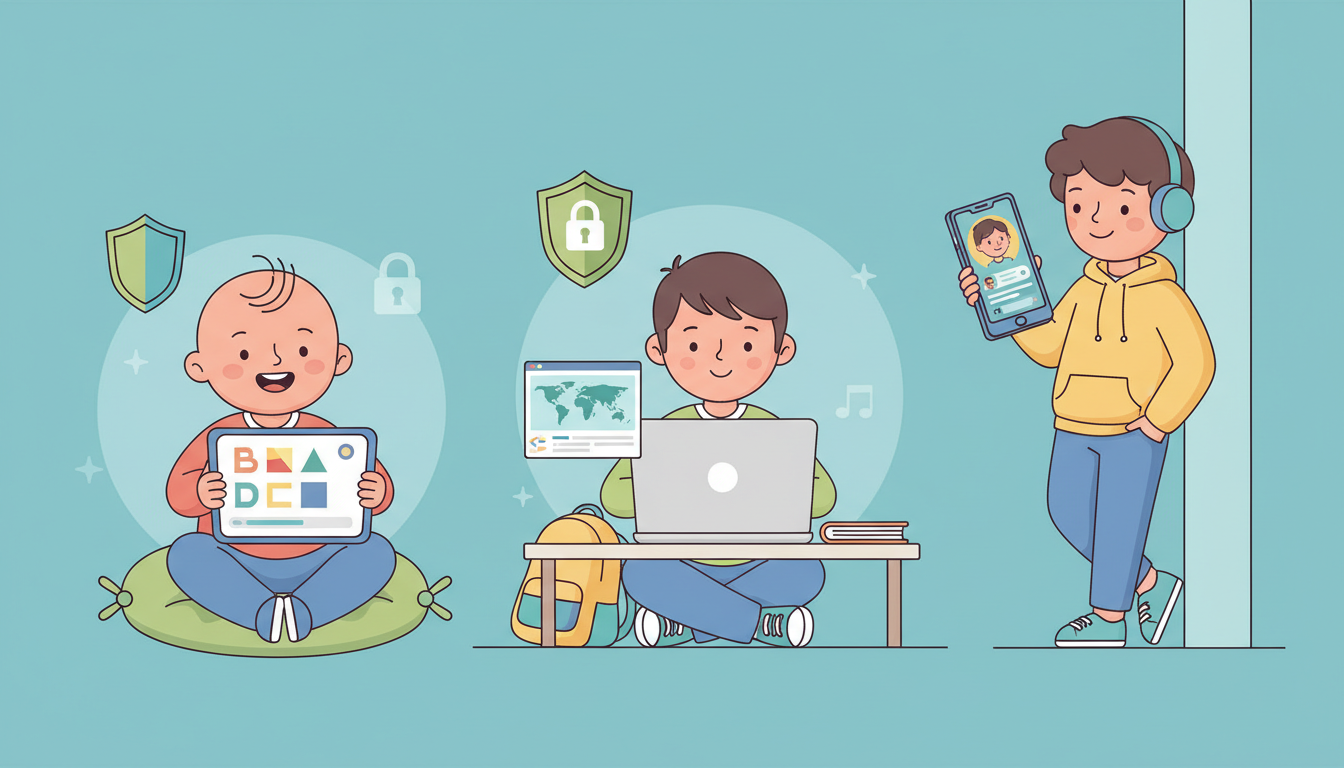
Does my child need their own phone?
For most kids under 12, the answer is no. A personal smartphone introduces social media, peer pressure, and unsupervised internet access before most children have the emotional tools to handle it.
What they likely do use: a shared family tablet, a gaming console, an old iPod on road trips, or a basic phone for calling home. Each of these needs its own setup — and that's what this guide covers.
Age-by-Age Guide
Every age needs different controls and different conversations. Tap an age group to see what to set up and discuss.
Key Controls to Set Up
- Use dedicated kids profiles on tablets (iPad Kids Mode, Google Kids Space)
- Only allow pre-approved apps — disable the app store entirely
- Set strict daily screen time limits (30–60 min max recommended by AAP)
- Turn off in-app purchases and disable the ability to install anything new
- Enable content filters to block all web browsing
Conversations to Have
- Explain screens are a treat, not a right — like dessert after dinner
- Sit with them while they use the device to model healthy use
- Talk about asking a grown-up before touching or pressing anything they don't recognize
Watch Out For
- YouTube Kids can still surface inappropriate content — review watch history regularly
- Many 'free' kids games contain manipulative ads designed to make children tap
- Use Apple Screen Time or Google Family Link to enforce time limits and app approvals
- Require parental approval for every app install — review each app before approving
- If they use a shared family device, apply per-person profiles with age-appropriate filters
- Use monitoring software like Bark or Qustodio on any device they access
Myth vs. Reality
Common beliefs about young kids and screens — and what the research actually says.
My child is too young to be in danger online
Children as young as 3 encounter ads designed to manipulate them, and preschoolers can stumble onto inappropriate YouTube content within minutes of tapping.
The tablet is educational, so it's fine
Even 'educational' apps collect data and show ads. Co-viewing and conversation matter far more than the app's label.
I'll just take the iPad away if there's a problem
It's far easier to set boundaries before a problem develops than to take away access after it's been given. Early habits are durable habits.
Shared & Occasional Devices
What looks like a harmless device can quietly expose your child to big risks. Here's what to know about the devices kids most commonly use.
iPad / Family Tablet
Shared browsing history
All family members share search and browsing history unless separate profiles are set up
App purchases
In-app purchases and app downloads charge the family account without asking
Shared photo library
Photos taken on a shared device sync to the family iCloud — kids can see everything
What this means for you
A shared tablet feels safe, but without separate profiles and restrictions, kids can access adult content, make accidental purchases, and see photos not meant for them. Set up a dedicated child profile before handing it over.
iPod Touch / Music Player
WiFi required for apps
When connected to WiFi, an iPod can access the full internet and App Store
iMessage & FaceTime
An Apple ID on an iPod enables messaging and video calls — including with strangers
App access on WiFi
YouTube, TikTok, and other apps work fully on an iPod when WiFi is available
What this means for you
An iPod seems harmless for music on road trips, but it's essentially an iPhone without a cellular plan. On WiFi it can do almost everything a phone can. Restrict it to Airplane Mode with only approved apps when not actively supervised.
Gaming Consoles
Online multiplayer chat
Voice and text chat with strangers is enabled by default on most consoles
Friend requests from anyone
Without parental controls, anyone can send friend requests and messages
In-game purchases
V-Bucks, Robux, and similar currencies make it easy to spend real money unnoticed
What this means for you
Gaming consoles are social platforms. Without parental controls enabled, your child is communicating with strangers in real time. Enable family controls on PlayStation, Xbox, and Nintendo Switch before letting kids play online.
Set up a dedicated child profile on your family iPad
It takes 5 minutes: Settings → Screen Time → Set Up Screen Time for Family. This prevents accidental purchases, blocks inappropriate content, and keeps your child's browsing separate from yours.
Critical Controls for Parents
Lock Down App Installs
Before handing any device to a child, make sure they can't install apps without your approval.
Monitor Without Spying
The goal is safety through openness, not surveillance.
Keep Up with Change
Apps and kids' behaviors evolve constantly.
When Things Go Wrong
Stay calm and follow a plan.
Words You Can Use
The literal words you can say — not a bulleted list. Read these out loud and make them your own.
“We have 30 minutes of screen time today, and then we're going to the park. When the timer goes off, the iPad goes off — no negotiating.”
— Setting a time limit before the screen goes on
“If anything you see online makes you feel scared or weird, come tell me right away. You will never get in trouble for showing me something.”
— Building a 'tell a grown-up' rule
“That's a really cool game! Can you show me how it works? I want to see what you like about it.”
— Starting a device walk-through with your child
For younger children, the safest setup is the one an adult can explain and maintain. Begin with a child profile, approve apps one at a time, and keep devices in shared spaces. Revisit the rules as your child grows—and make it easy for them to tell you when something online feels wrong.
— [Your name here], Founder
Screen Time — Research, Limits & Real Conversations
The evidence is nuanced: it's not just how much, but what, when, with whom, and in what context. Here's what the research actually says — and what actually works.
⭐ Must Do — Act Before There's a Problem
The single most consistent finding across all screen time research: limits set early and consistently are dramatically easier to maintain than limits imposed reactively after a problem develops. Habits formed before age 10 around screens are far more durable than any rule imposed in the teen years.
- Set device-free dinners now, even if there's no problem yet — it becomes a family identity, not a punishment
- Establish the bedroom-is-screen-free-at-night rule before they have a phone — it's nearly impossible to roll back later
- Have the 'why' conversation proactively: explain screen limits in terms of sleep, mood, and focus — not just rules
- Start with less access and expand it as trust grows — it's far easier than taking access away after it's been given
Why It Matters
Brains at this age learn from face-to-face interaction. Passive screen exposure disrupts language development and reduces parent-child interaction quality.
- "This age needs zero screen time except video chat with grandparents."
- "If screens are on in the background, turn them off — background TV reduces the quality of parent-child interaction even when not watched directly."
- Replace screen temptation with simple sensory activities (blocks, water play, song)
- Video calls with relatives are the only screen that actively benefits this age group
Kids & Family Device Discussion — Including Screen Time
Ask a question or share something that helped. Never include identifying information about a child.
No reviewed questions yet.